Coding Classes for Kids in Frisco: 7 Smart Questions to Avoid a Costly Mistake
Reviewed By: Dr. Jill Hollander
13 minutes
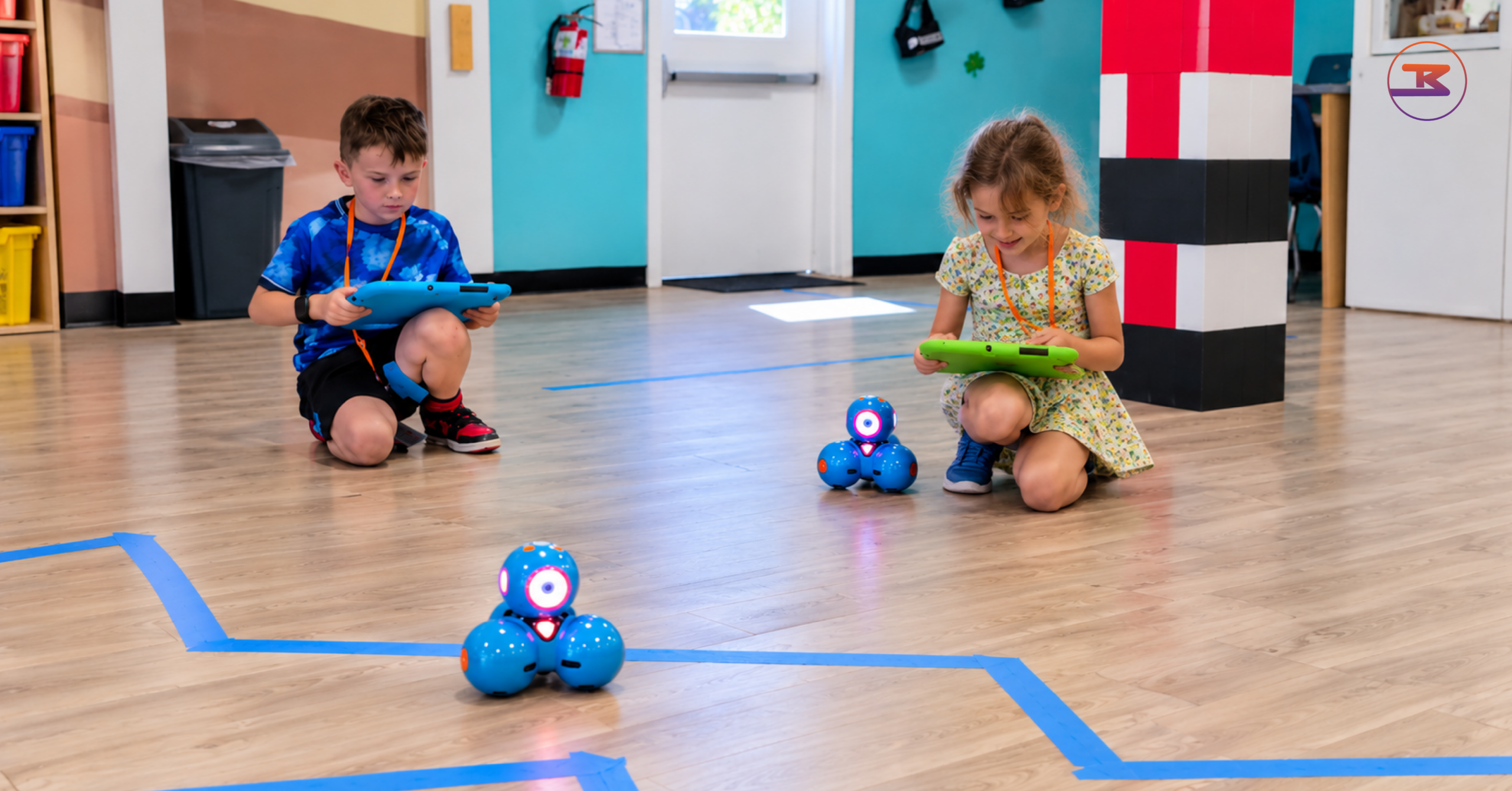
Two children debugging a small robot's path on a paper maze during coding classes for kids
Not sure whether your child is ready to code, or which class is worth the money? This guide covers what kids learn at each grade, what research says coding does and doesn't change, what Texas schools already teach, and a checklist for judging any program.
Table of Contents
Good coding classes for kids teach a child to give a computer exact, ordered instructions, then find and fix the mistakes in them. The research behind coding is real but narrower than most marketing claims: coding builds coding skill strongly and some reasoning and math skill moderately, while reading and school grades change least.
That gap between the promise and the evidence is where parents overspend on coding classes for kids. This guide answers seven questions in order: what classes teach, when to start, what research says coding changes, blocks versus Python, what Texas schools already cover, how to judge a program, and what a class cannot tell you.
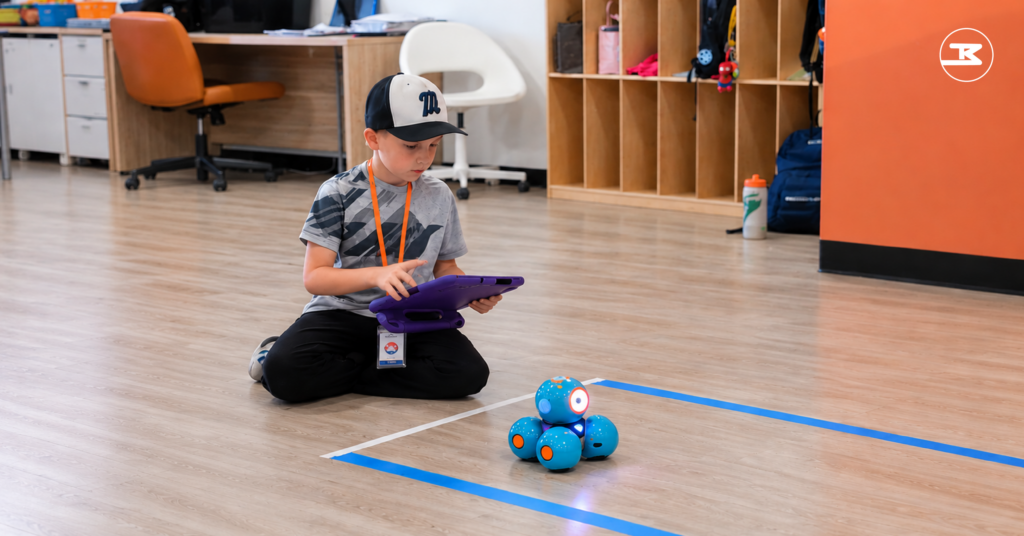
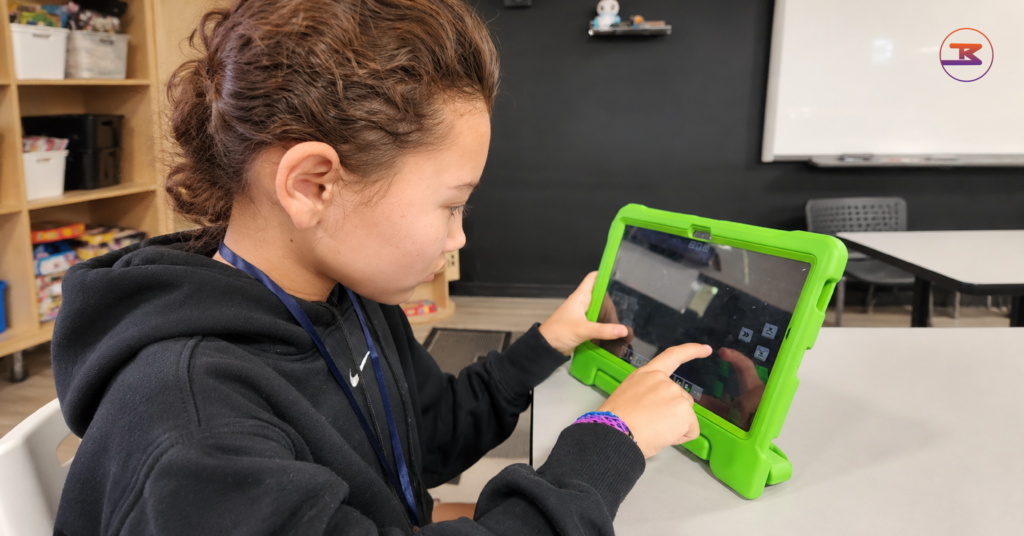
Child dragging code blocks on a tablet to steer a small robot across a paper grid during coding classes for kids
What do coding classes for kids actually teach?
Coding classes for kids teach a short list of ideas that repeat at every level: putting steps in order, repeating steps with loops, and making choices with conditionals. A child applies those ideas to build something, tests it, and fixes what breaks. The tools change with age, from picture blocks to typed code, but the ideas stay the same.
The CSTA K–12 Computer Science Standards, written by the Computer Science Teachers Association, sort those ideas by grade band. Level 1A covers grades K–2, ages 5 to 7. Level 1B covers grades 3–5, ages 8 to 11.
Grades K–2: a child plans a program’s sequence of events, its goal, and what it should do before building it.
Grades 3–5: a child creates programs that use sequences, events, loops, and conditionals together.
Those two standards describe real work. A first grader plans the moves a robot needs to reach a star on a floor grid. A fourth grader builds a game in which a character jumps when a key is pressed and the score resets when it touches a wall.
What does debugging look like in a class?
Debugging is the part of coding classes for kids that parents rarely see. A child runs a program, watches it fail, and reads the steps one at a time to find the wrong one. A robot that turns left instead of right sends a seven-year-old back to one block, not back to the start.
Ask any provider of coding classes for kids how much class time goes to finding and fixing errors. A class where every project works on the first try is copying steps from a screen, and copying is not coding.
What do kids build at each grade band?
The projects in coding classes for kids grow with the child, and a parent can ask to see one from each level.
Grades K–2: a picture-block story in which a character walks across the screen, says a line, and waves, built in a 45-minute session.
Grades 3–5: a catch-the-falling-apples game with a score counter and a timer, built over two or three weeks.
Grades 6–8: a typed Python program that asks five quiz questions, checks each answer, and reports a final score, built over a month.
Each step adds one new idea to the last, which is how well-built coding classes for kids keep a child stretched without losing them. The apple game needs the loop and the conditional that the story did not, and the quiz needs typed variables that the game hid inside blocks.
What age should a child start coding?
A child can start coding in kindergarten with picture-based tools built for ages 5 to 7, and move to a full block-based language around age 8. Typed languages such as Python come later, once a child reads and types comfortably. The CSTA standards begin computer science at kindergarten, so a five-year-old is not too young for the right tool.
Age alone does not decide readiness. Watch for three things at home: your child follows a three-step direction without reminders, sticks with a puzzle after the first wrong try, and reads short labels without help. A child who does all three is a good candidate for coding classes for kids in a block-based tool.
What if my child is starting at 12 or older?
An older beginner does not need years of blocks first. In the classroom study covered below, high school beginners who started in typed code finished level with those who started in blocks. A 12-year-old who reads and types well can begin coding classes for kids in Python, with blocks used briefly to show what a loop does. The right start depends on the child in front of you, not on a fixed ladder.
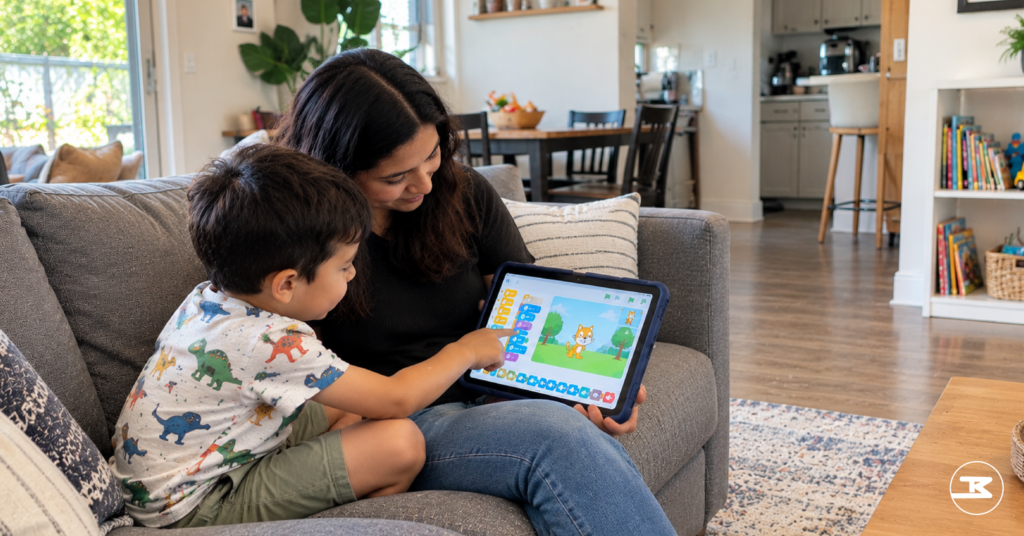
Kindergartner and parent sharing a tablet with a picture-block coding app on a couch
Does learning to code make kids better at math and problem-solving?
Learning to code improves some thinking skills beyond coding, but less than most programs claim. A 2019 meta-analysis of 105 studies found a strong effect on coding skill itself and a moderate effect on other skills such as reasoning, creative thinking, and math. School achievement and literacy benefited the least.
That analysis, by Scherer, Siddiq, and Sánchez Viveros, reported an overall effect of g = 0.49. The effect on coding skill was 0.75, and the effect on other thinking skills was 0.47. Those are meaningful numbers for an education study.
Two details from the same study matter more to a parent than the headline. Effects were larger when coding was compared with doing nothing than when it was compared with another active learning activity. Published studies also showed larger effects than unpublished ones.
In plain terms, a moderate effect means the average child in the coding groups scored noticeably higher on the reasoning tests than the average child in the comparison groups. It is a real nudge, not a transformation, and coding classes for kids should be sold as one.
What does that mean for coding classes for kids?
The first detail is the important one. The gains from coding classes for kids are clearest against doing nothing, and smaller against another real activity, such as chess club or a building program. Choose coding classes for kids because your child wants to build with them, not because a flyer promises higher math grades.
The second detail is a reason for caution with any single study a program quotes. When a brochure for coding classes for kids cites one impressive result, ask whether it compared coding with nothing or with another real activity.
Should a child start with blocks or with Python?
Beginners pick up programming ideas faster in block-based tools, but blocks are a good start, not a head start on typed code. In one classroom study, high school students who began with blocks scored higher after five weeks, and that lead disappeared after ten more weeks of typed Java. Both groups finished in the same place.
The study, by Weintrop and Wilensky in Computers & Education, followed two classes of 30 students with the same teacher, curriculum, and time on task. Block-based students also grew more interested in further computer science classes at first, then lost that edge after the switch to text.
The authors point to one likely cause, and it is teaching, not tools. When the class moved to Java, nobody connected the new typed code back to the blocks the students already knew. The teacher said she would introduce each new idea in blocks first and then show the same idea in text.
What should parents ask about the switch to text?
Ask anyone who runs coding classes for kids how they move students from blocks to typed code. A strong answer names the bridge: the same loop shown in blocks and in Python side by side, or a tool that flips between the two views. A weak answer is a date on a calendar when blocks stop and typing starts. Coding classes for kids that skip the bridge waste what blocks taught.
Middle schooler comparing a block-based loop and the same loop in Python on a split laptop screen
What do Texas schools already teach about coding?
Texas added computational thinking to its required technology standards for every grade from kindergarten through grade 8, starting in the 2024–2025 school year. Districts choose whether to teach those standards in a separate class or fold them into other subjects. So the amount of coding a child gets at school varies by district and campus.
That definition is useful at a parent-teacher conference. Ask your child’s teacher which strand your child’s class covers this year, and whether students write programs or only use apps. The answer tells you whether coding classes for kids outside school would repeat school or extend it.
Why does the school answer change what you buy?
A child whose campus runs a weekly computer science block already meets sequences and loops at school. That child gets more from coding classes for kids that push into projects, such as a game with a scoring system, than from a beginner course. A child whose campus folds the standards into math may have written no programs at all, and beginner coding classes for kids fit.
How do you judge coding classes for kids in Frisco?
Judge coding classes for kids in Frisco on five checks: a starting assessment, projects your child designs, real debugging time, a clear plan for moving from blocks to typed code, and honest claims. Coding classes for kids that pass all five are teaching coding. A program that fails the last one is selling a result it cannot control.
Starting point: the program checks what your child already knows before placing them, instead of starting every child at lesson one.
Projects: your child designs at least part of each project, such as choosing the game’s rules, instead of copying a finished one step by step.
Debugging: the instructor lets programs fail and coaches the fix, instead of fixing it for the child.
The bridge: the program can show you how blocks connect to typed code, as described above.
Honest claims: the program describes what children build, not promised grade increases, scholarships, or careers.
What should you watch for in a trial class?
A trial session of coding classes for kids shows more in 45 minutes than any brochure. Sit in, or ask your child three questions on the drive home.
What did you build? A strong answer names a thing, such as a maze game or a robot path, not only “we learned loops.”
What broke, and how did you fix it? A child who can describe one bug and one fix did real debugging.
What would you add next time? A child with an idea for the next feature is invested in the project, not just finishing a worksheet.
Should you choose online or in-person coding classes for kids?
Choose by how your child works, not by convenience alone. A child who reads instructions independently and asks for help out loud does well in an online class with a live instructor. A younger child, or one who gives up quietly when stuck, needs an instructor who can see the screen over their shoulder, which an in-person room makes easy. Ask any online program how the instructor knows when a child is stuck without being told.
What does that checklist look like at Big Brainbox?
Big Brainbox runs coding classes for kids at its Frisco campus, and we hold ourselves to the same five checks. As of 21-Oct-2026, the program page lists small-group (5:1) and one-on-one (1:1) formats at one, two, or three sessions a week. It describes a progression from block-based coding in Scratch and Minecraft to typed Python.
As of the same date, its course list runs from Pixel Tales with Minecraft, a storytelling course for grades K–2, through Programming Essentials for grades 3–5, to Python Programming in Minecraft for grades 6–8. The page’s getting-started steps begin with an assessment of logical thinking and problem-solving to set each child’s starting point.
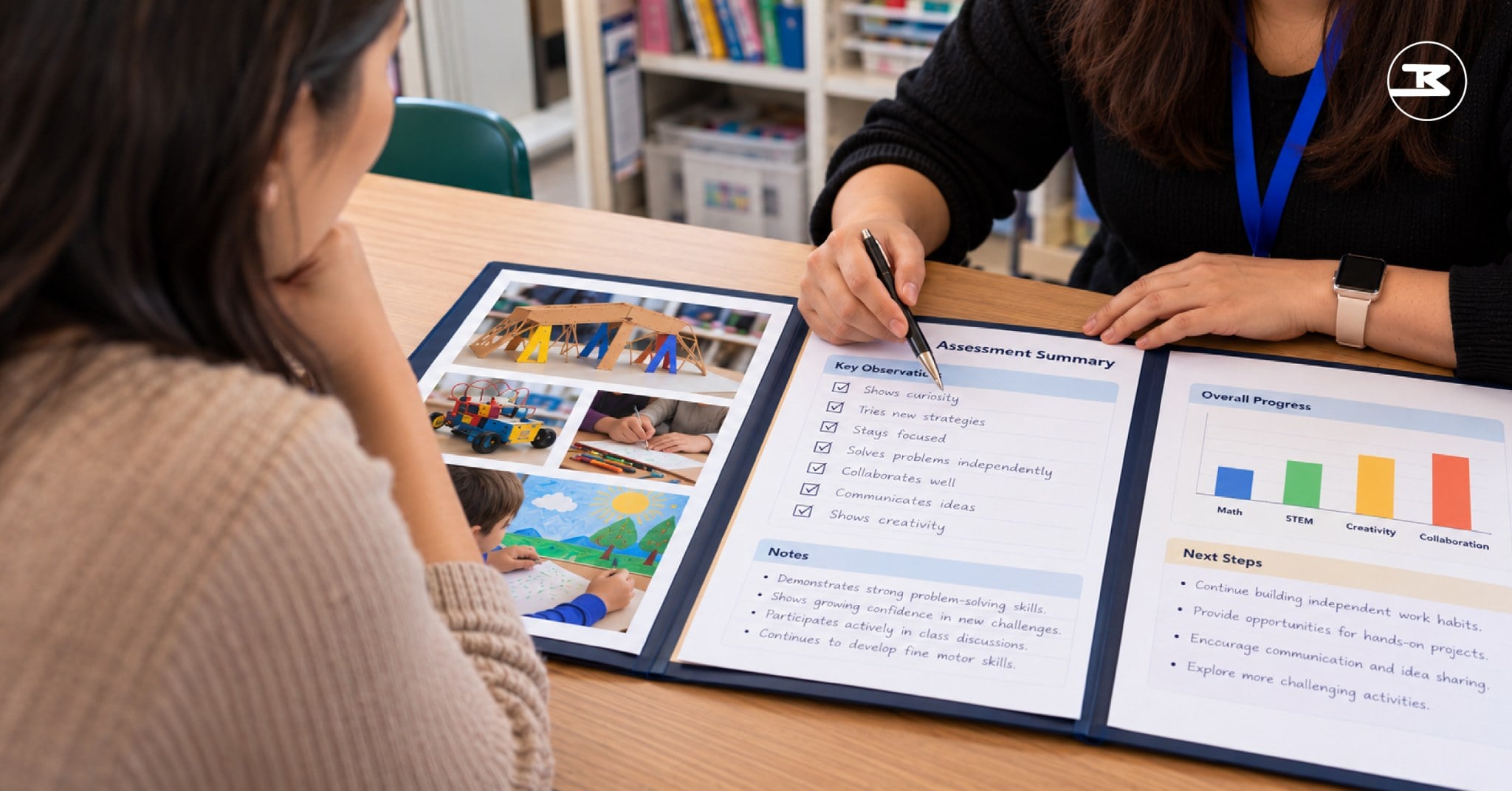
Families who want an answer before choosing between coding classes for kids can start with an assessment instead. The Big Brainbox skill-based learning assessment maps where a child is now. As of 21-Oct-2026, its page lists a written report within 48 hours and a parent consultation, at a cost of $0. Use the report to decide which starting point fits, whether that is our program, a school club, or a free tool at home.
What can a coding class not tell you about your child?
Coding classes for kids show what a child can build this term, but they cannot predict what that child will build later or whether they will choose computer science at all. The research above measures skills over weeks and months, not careers over decades.
What a class does show is worth watching. Notice whether your child explains why a program failed before fixing it, returns to a broken project without being asked, or invents a feature nobody assigned. Those habits are the ones to watch, whatever happens with coding.
Some questions stay open, and we say so. Nobody has established how strongly a child’s early coding projects predict where that child lands as an adult. Coding classes for kids answer a smaller question well: what does my child build when the work is real, and what do they do when it breaks?
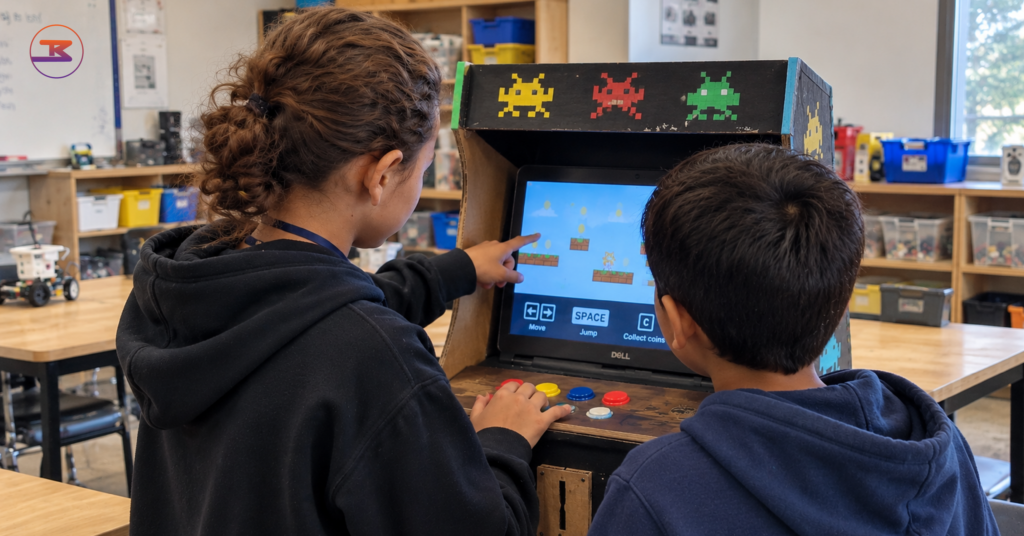
Child explaining a homemade cardboard arcade game to a younger sibling, with a laptop built into the cabinet
Big Brainbox is a readiness education center in Frisco, Texas, working with students from K through 12th grade. Our instructors and curriculum team write these posts from what happens in the room: what a child builds, where a child stalls, and what changes when the work is real. We publish what we observe and cite what we borrow.